Fluent Community
  • Spaces
  • Feed
  • Courses
  • Leaderboard
  • Test
×

How to connect β€œFluent Community Mobile App” mobile app with installed plugin

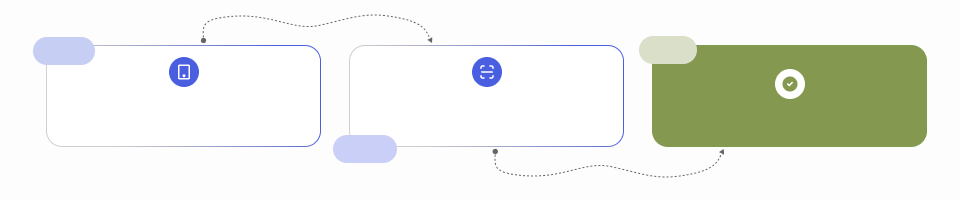
Installation Guide

Download & Install Mobile App
By Scanning QR Code Below

From The Mobile App Scan
Connection QR Code

You Are All Set

Step 1
Step 2
Done

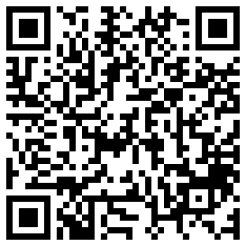
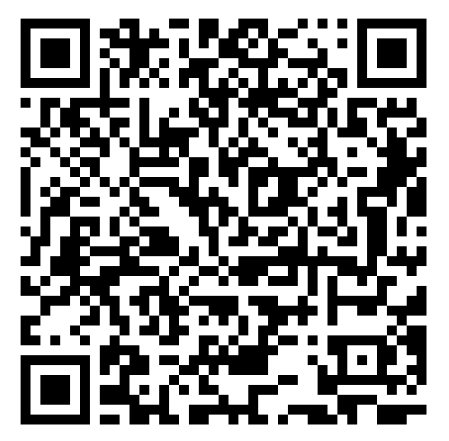
Step-1: Download Fluent Community Mobile App

Play store QR Code

Google play icon

Apple QR Code

App store icon

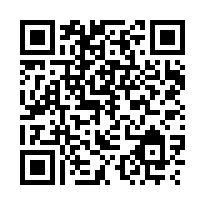
Step-2: Connect Your Fluent Community Mobile App

Community App QR Code
  • Login / Signup
  • Spaces
  • Feed
  • Courses
  • Leaderboard
  • Test
  • Feed
  • πŸ₯²
    hello
  • w3 school
  • SVG

Communities

  • πŸš€
    Private Anyone can view its a large name check
  • πŸš€
    Private group Members only
  • Private Any login user
  • Private Admin & moderators only
  • Public
  • πŸš€
    Public for Moderator
  • Structure public this is for a long text
  • πŸš€
    cannot request
  • Private Structure
  • πŸš€
    Private user don't allow
  • πŸš€
    Public without request access
  • Mahadi
  • Private sechedule
  • Public Self Placed Course
  • Schedule public
  • Public Structured quiz
  • Variant type of Quizs
  • Free preview lesson

Get Started

  • Start Here
  • πŸ‘‹
    Say Hello
  • Public structured course for hasan bhai
  • Course lesson view or don't view
  • public course without public view
  • Public course public view
  • Private self placed
  • Structured Public course
  • Scedule Classic
  • Schedule course
  • Private course
  • without premium
  • test course
  • its a defult course
  • test course view

Extra Link

  • bottom link-1

Other link

  • πŸ”—
    Bottom link-2
Powered by FluentCommunity